[Answered] What Is Desktop Scanner?
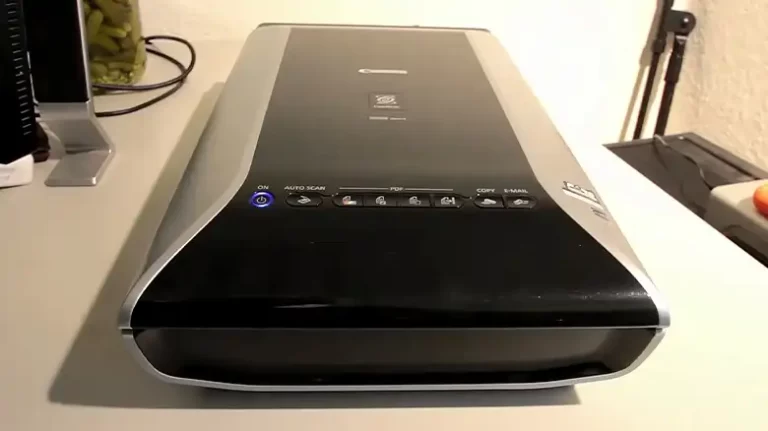
On the market, you will find different types of scanners, and if you are willing to buy one for your daily work then you will need to go after the desktop scanner. Now, you may wonder what the actual desktop scanner is. Well, in short, the scanner can be put beside and used with your PC.
Jokes apart, the desktop scanner is a type of scanner that converts a physical document or image into a PDF or a JPG file. Basically, with the help of a computer, you are making a digital copy of your documents or pictures.
To learn more about the desktop scanner, its types, usage, advantages, and so on, you will need to be with us till the end of this article. So, let’s begin to learn about desktop scanners.
What Does the Term Desktop Scanner Refer To?
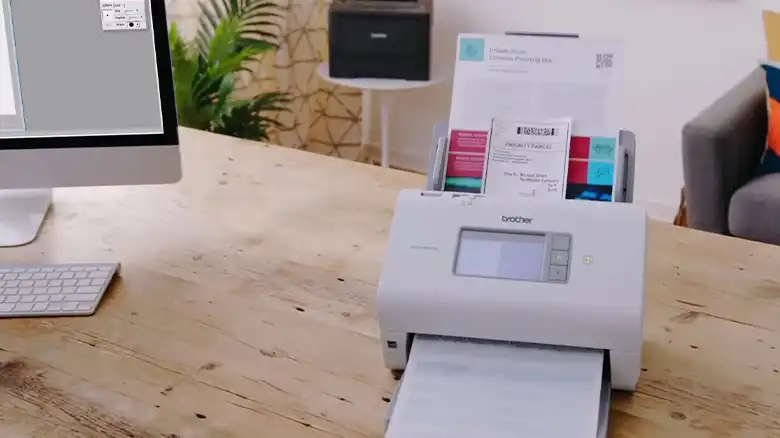
In easy words, the scanner that can be used to copy documents and pictures with a PC can be called a desktop scanner. Generally, a desktop scanner is designed to convert a physical document or image into a digital one. With the help of OCR aka Optical Character Recognition technology, the scanner translates text or images into machine-readable data.
Types of Desktop Scanners
There are two types of desktop scanners that can be found around you.
- Flatbed scanner.
- Sheetfed scanner.
Among these two scanners, the flatbed scanner is commonly used due to its robust features.
Advantages and Disadvantages of Desktop Scanner
Now, you have learned about the Desktop scanner and types of it. Let’s learn about the advantages and disadvantages of it.
| Advantages | Disadvantages |
| It offers fast scanning. | Maintenance cost is higher. |
| Comes with a lot of features. | Expensive compared to other types of document scanners. |
| Can store important files or pictures as a digital copies. | Bulky. |
| Compared to a smartphone’s picture or FAX, the scanner provides a high-quality output. |
What Should be Check Out In A Desktop Scanner Before Buying?
If you are willing to buy a desktop scanner then you will need to check out some important factors. If you have missed out on any of them then you won’t get a perfect desktop printer. Here are some key points that you should check.
- First and foremost, check out the number of pages that can be scanned per minute. It will help to identify the speed of the scanner.
- Another important thing, check whether the scanner support duplex scanning or not.
- If budget isn’t the issue, then always go for an all-in-one scanner.
- Choose a scanner that allows you to scan larger paper.
- Make sure the scanner resolution is equal to or more than 6000 dpi.
- If you are looking for a desktop scanner for your office then the scanner should have networking capability. It will allow multiple computers to connect and scan documents.
FAQs (Frequently Asked Questions and Answers)
How do I use desktop scanner?
To scan a document with your desktop scanner, connect the scanner to your PC, install the scanner software, place the document on the scanner glass, and start scanning.
What are 3 types of scanners?
The 3 types of scanners are Flatbed scanners, Drum scanners, and Handheld scanners.
If this helped, take a look at How Long Should a Scanner Last? ANSWERED, How Do I Scan a Document without A Scanner? 3 Easy Methods, What Is Error Code 4400 on Canon Scanner? Explained & Solved.
Conclusion
Lastly, a desktop scanner is a great thing for personal use as well as office use. With the help of this, you can convert your physical document to digital documents and store them securely. It will help you find them quicker and will be stored securely.